Voice capture
Speak the thought as it arrives. Misu understands dates, people, context, and more than one action at a time.
 Talkminder
Meet Misu · your voice-first assistant
Talk naturally. Misu catches what matters, shapes it into a useful plan, and keeps the thread so your mind does not have to.
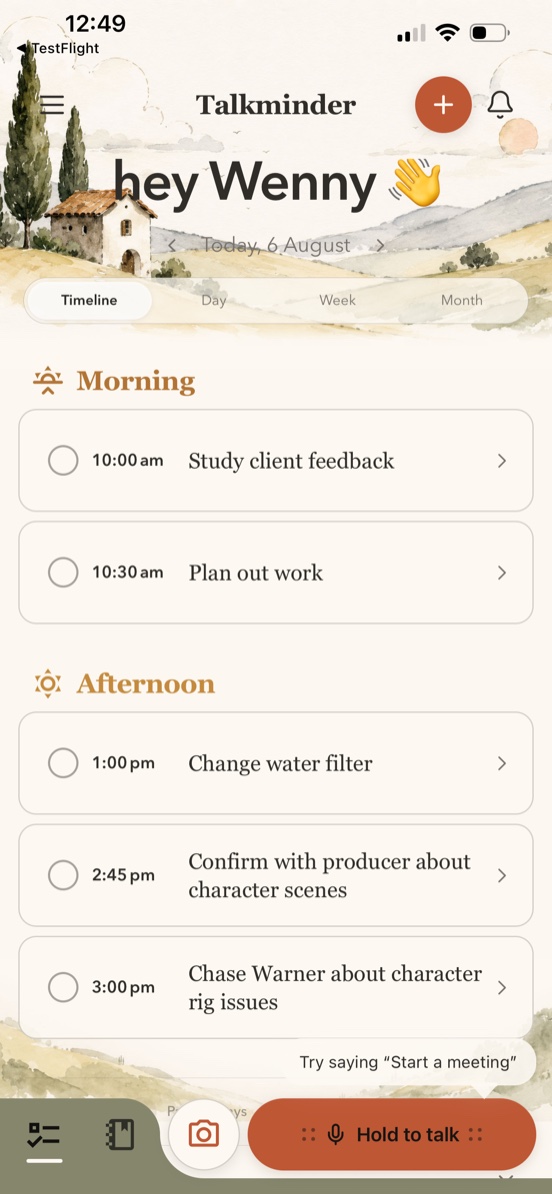
01 · A thought arrives
Dates, people, reminders, loose ends—Misu hears the whole thought and gives it a place in your day.
02 · The river finds its course
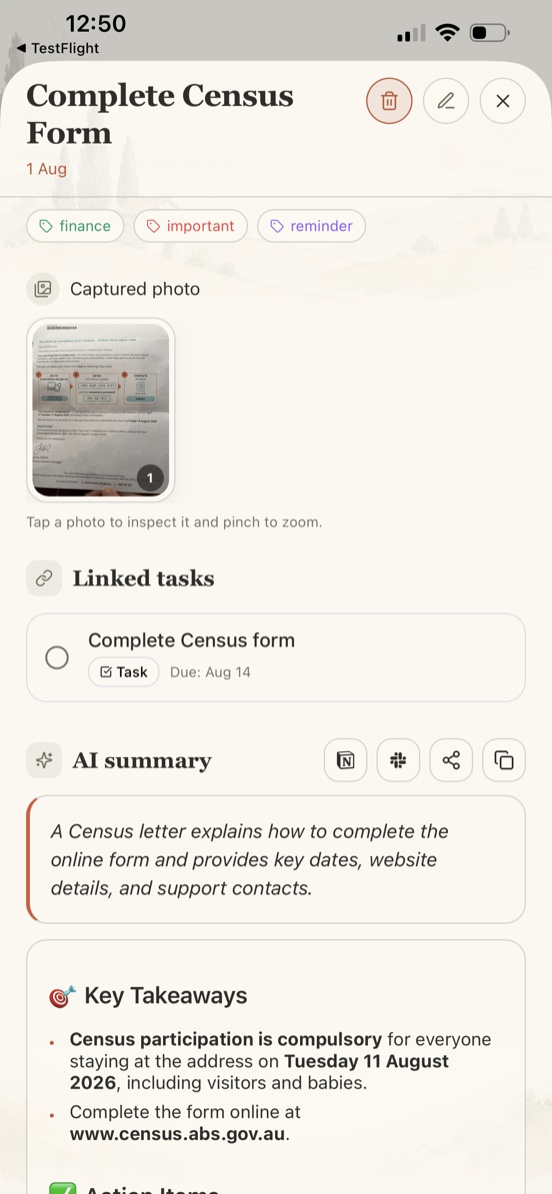
Capture a note by voice, text, or photo. Misu can summarize it, find the follow-up, and keep the original context nearby.
See how Notes become action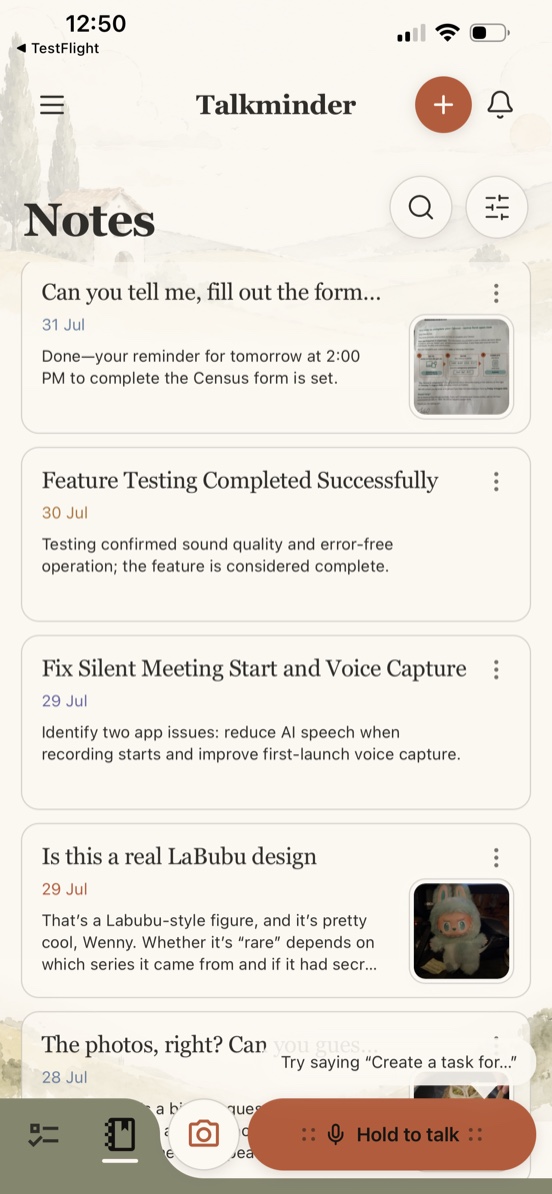
03 · Plans become a rhythm
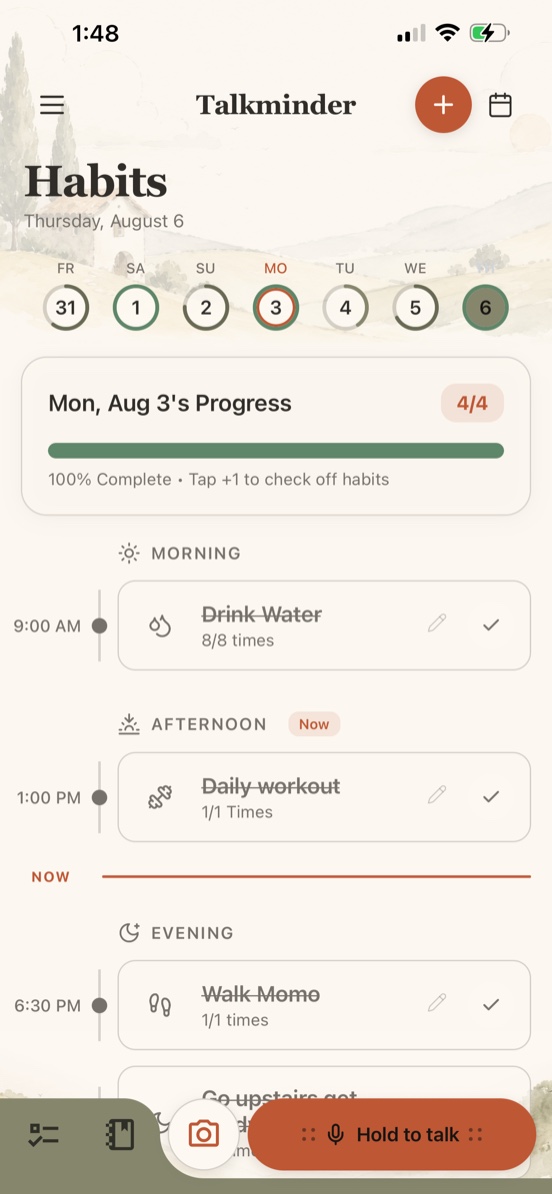
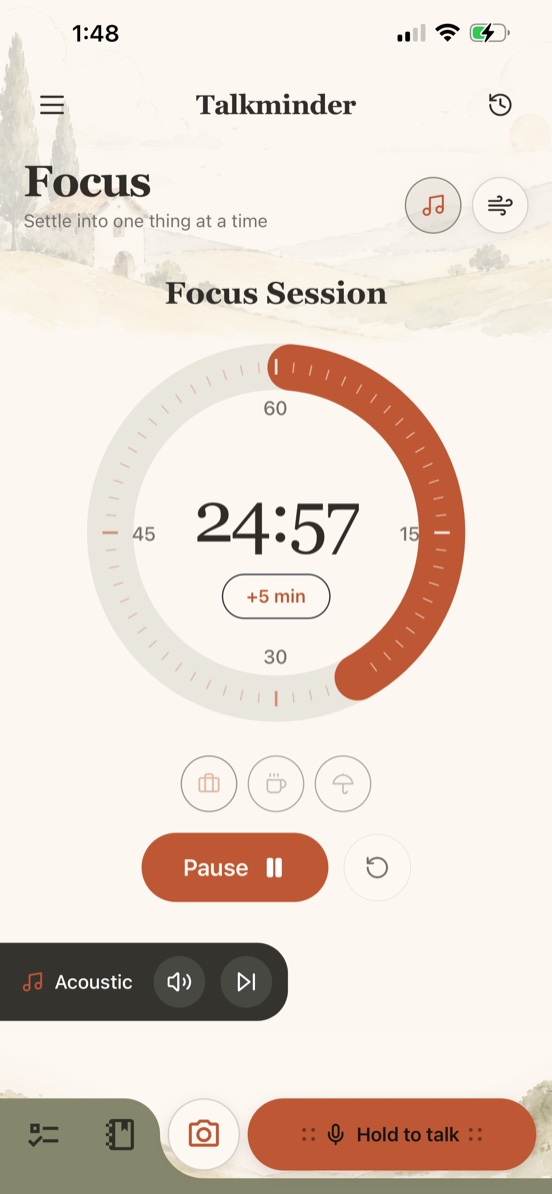
Habits keep small promises visible. Focus helps you settle into one thing. Both live beside the rest of your day.
04 · The village remembers
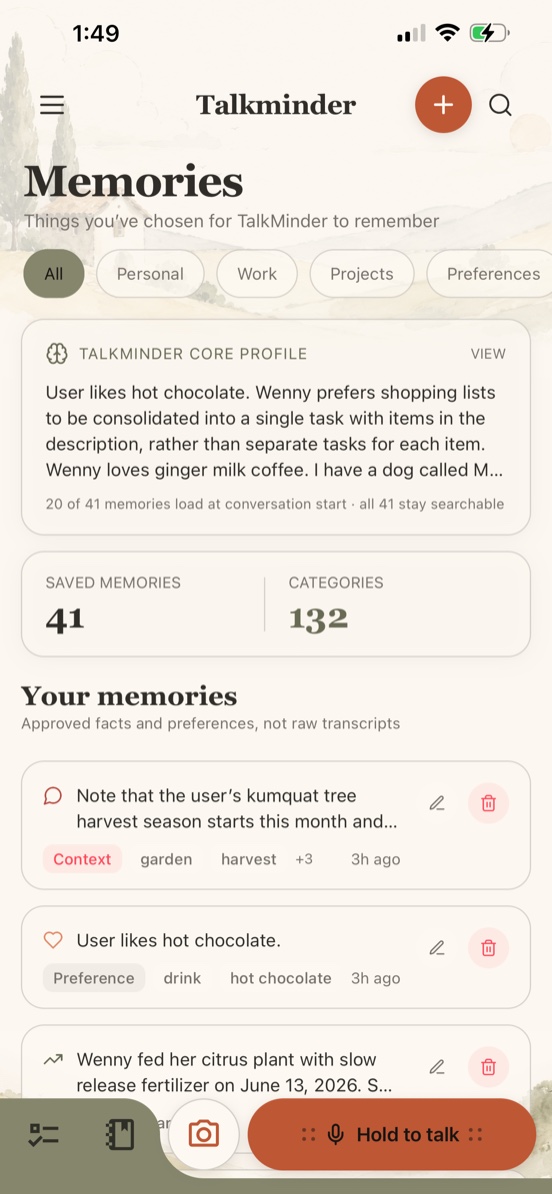
You choose what Talkminder remembers. Preferences, people, routines, and projects can carry forward without turning every conversation into permanent memory.
Review, edit, or remove what Misu remembers about you.
What lives inside
Not another dashboard to maintain. One assistant across the places where your day already happens.
Speak the thought as it arrives. Misu understands dates, people, context, and more than one action at a time.
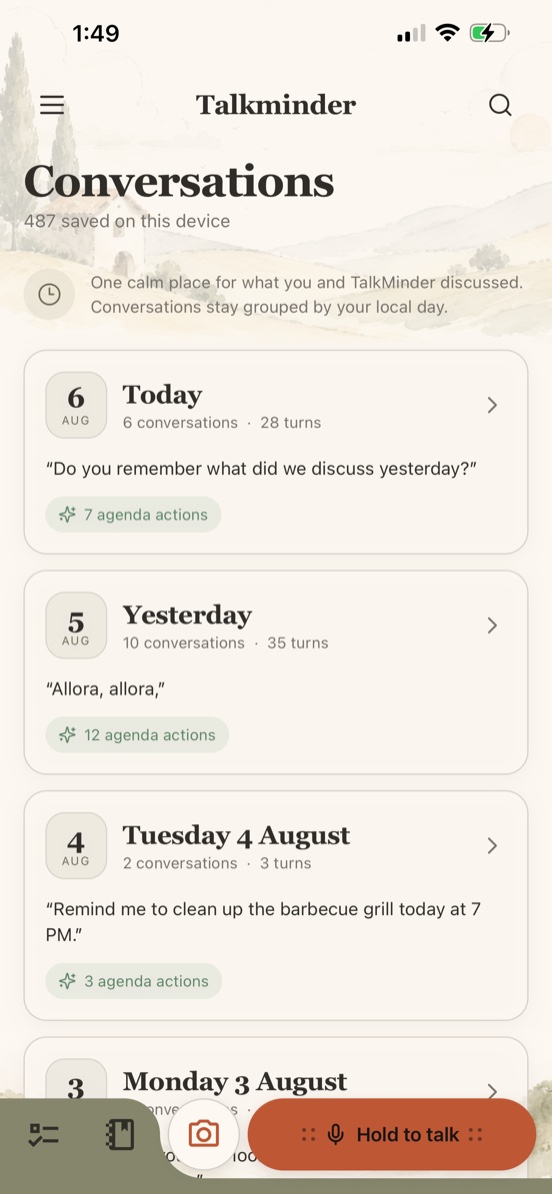
Tasks, reminders, events, and habits gather in one calm view instead of asking you to rebuild the day.
Keep the source, get the summary, and turn the loose end into the next useful action.
Return to small rhythms, settle into the work, and carry only the context you approve.
How it works
Talkminder does the organizing behind the conversation. You stay with the idea, the walk, the meeting, or the moment you were already in.
Start with the unpolished thought. Voice when speed matters; text when quiet does.
Talkminder finds the task, time, note, event, or follow-up hidden inside.
Review the calm version later, with the original context still attached.
Explore by need
Questions, answered
Clear answers about how Talkminder works, where it lives, and what stays in your control.
An AI personal assistant available now on iOS. It helps you manage tasks, reminders, events, notes and habits through natural voice or text conversations with Misu, your assistant.
Misu is your AI assistant inside Talkminder. She creates tasks, schedules events, takes notes, tracks habits, and remembers important details to make every interaction more personal.
Yes. Your data is encrypted in transit and at rest. We use Supabase for secure storage. We never sell personal data to third parties.
The interface is English. Voice recording and transcription support 8 languages: English, Simplified Chinese, Traditional Chinese, Spanish, French, German, Japanese, and Italian.
Talkminder is available now on iPhone. Native versions for Mac, Windows, and Android are coming soon.
Yes. Talkminder Pro syncs with Google Calendar and Apple Calendar, so everything lives in one unified view.
Absolutely. Cancel anytime through the App Store — your subscription stays active until the end of the current billing period.
From the Journal
A practical guide to choosing an AI task manager when your tasks start as voice notes, half-formed ideas, and reminders you do not want to lose.
01May 9, 2026 · 3 min readVoice reminders work best when they understand context, dates, people, and follow-up actions instead of only saving a transcript.
02May 8, 2026 · 3 min readDesktop planning and mobile capture solve different problems. The best AI planner should support both without splitting your system.
03